
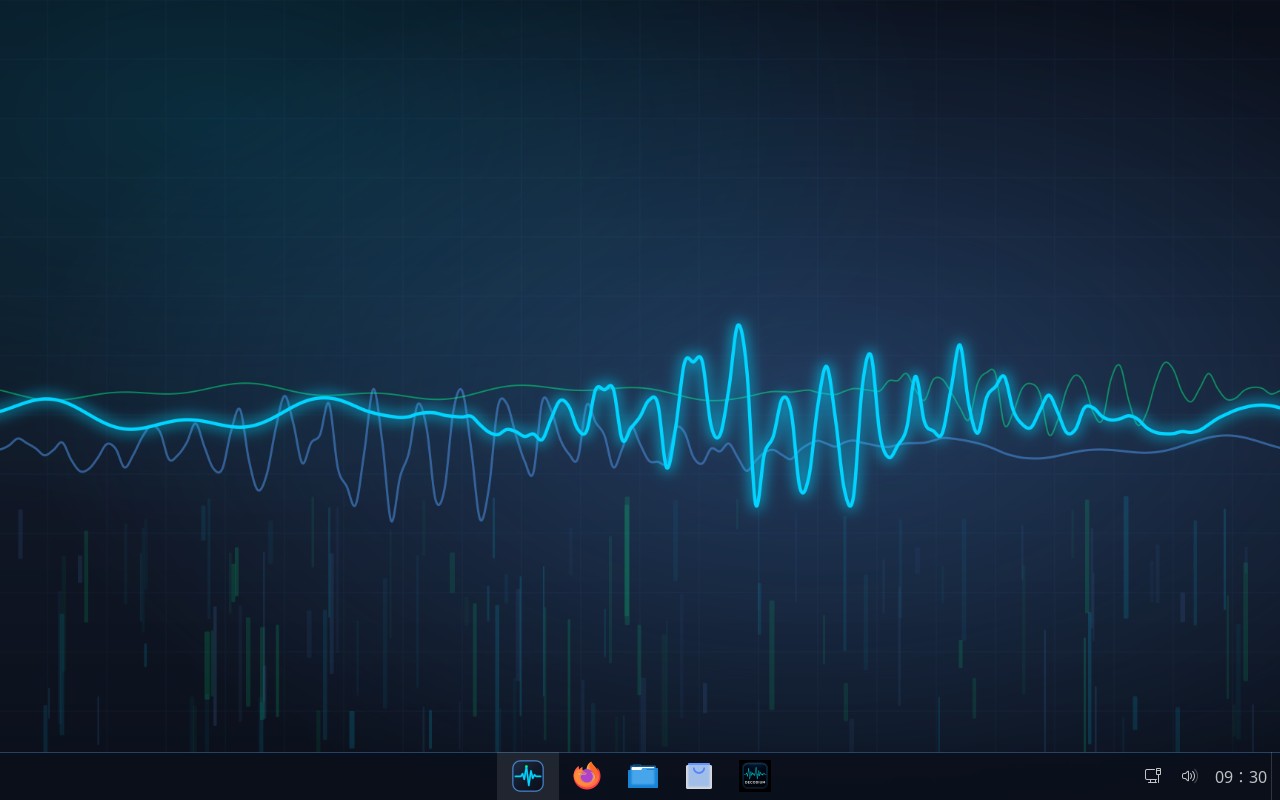
DecodiumOS is a Linux distribution built for radio amateurs, derived from AnduinOS 2 (Ubuntu 26.04 “resolute”, a GNOME desktop styled after Windows). Instead of starting from a bare Ubuntu and installing every ham radio program by hand, it comes with the whole toolbox already in place and already themed — you write it to a USB stick, boot it, and it works.
One minute, double speed: the Start menu, Decodium decoding FT8, and installing a logbook program from the software store.
What's inside
Every set below is a group of packages you can include or drop with make menuconfig before building. Decodium itself is always installed — it is the one program the whole distribution is built around.
| Set | Applications |
|---|---|
| — | Decodium 4 (latest GitHub release, SHA-256 verified) |
| — | Decodium RX, a terminal FT8/FT4/FT2 receiver built on the same decoder core (see below) |
rig | Hamlib (rigctl/rigctld), flrig, wfview |
digital | WSJT-X, JTDX, JS8Call, Fldigi, flmsg, flamp, QSSTV, FreeDV |
logging | TQSL (LoTW), KLog, Xlog, Tlf, Xdx |
packet | Dire Wolf, AX.25 tools, Pat (Winlink), Xastir |
satellite | Gpredict |
sdr | Gqrx, rtl-sdr, SoapySDR, HackRF, Airspy, CubicSDR, Inspectrum, multimon-ng |
cw | Aldo, qrq, morse, ebook2cw |
antenna | xnec2c, nec2c, yagiuda, SPLAT! |
tools | gpsd, CuteCom, minicom, pavucontrol, qpwgraph |
extra (off by default) | CQRLOG, GNU Radio, gr-satellites, SatDump, Quisk, FBB, LinPac, soundmodem |
System integration
- CAT/PTT serial ports (
ttyUSB*,ttyACM*) work immediately for the desktop user (udevuaccess), and thedialoutgroup is added to every local user automatically at each boot - ModemManager no longer probes radio interfaces — its AT probes can key a radio or block CAT
- GPIO PTT on C-Media CM108/CM119 chips works out of the box (Digirig, Dire Wolf)
- More frequent NTP sync (256 s max poll) for FT8/FT4/FT2 timing
- A Ham Radio folder in the Start menu, with Decodium pinned to the taskbar
ID=decodiumos,ID_LIKE="ubuntu debian", the Ubuntu codename kept — third-party PPAs and scripts keep working
Updating Decodium on an installed system:
decodiumos-update-decodium --check compares installed vs. available, sudo decodiumos-update-decodium installs the latest release.
Decodium RX: a terminal receiver
New in 1.2.0: decodium-rx is a receive-only FT8/FT4/FT2 terminal program built on Decodium 4's own decoder core, compiled from source at build time. It takes audio from the radio's sound card, splits it into UTC-aligned slots and decodes them — nothing else: it never transmits and never touches CAT or PTT.
decodium-rx                                # asks for mode, frequency, callsign and input
decodium-rx -m ft8 -f 14.074 -c IU8LMC   # CQ in green, your callsign in red
decodium-rx -m ft2 -s alsa -d plughw:CARD=CODEC,DEV=0
decodium-rx --list-devices
rtl_fm -M usb -f 144.174M -s 12k - | decodium-rx -m ft8 -s stdin
Decodes also land in ~/.local/share/decodium-rx/ALL.TXT (WSJT-X format). It's in the Start menu as “Decodium RX (terminal)”.
Look and feel
DecodiumOS carries Decodium 4's “Ocean Blue” theme throughout the system — background #0A0F1A, blue #4A90E2, signal #00D4FF, decode #00FF88: boot screen, login screen, wallpapers, Start button, window colours, the ISO's GRUB menu, even fastfetch's logo. The installer, welcome app, driver centre and appearance settings all present themselves as DecodiumOS, in every language.
Updates without re-downloading the ISO
New in 1.2.0: the DecodiumOS packages (decodiumos-base, decodiumos-branding, decodium, decodium-rx and the decodiumos-desktop metapackage) now come from a signed repository. Updates show up in Software, or with sudo apt update && sudo apt full-upgrade.
Already on 1.1.2 or earlier? Turn it on once and every new package — Decodium RX included — arrives right away:
wget -qO- https://community.ft2.it/downloads/decodiumos/apt/setup.sh | sudo sh
Signing key: CECB 3E8E 9357 207C 2819 B1B5 1CB3 EA7F F53B 1793 (DecodiumOS Archive Signing Key).
Download and verify
Already have 1.1.2 installed? You don't need this ISO at all — see Updates without re-downloading the ISO above.
To check the download is intact: on Linux or macOS, sha256sum DecodiumOS-1.2.0-2609131836-amd64.iso; on Windows, certutil -hashfile DecodiumOS-1.2.0-2609131836-amd64.iso SHA256. Compare the result against the hash above.
Writing the USB stick and booting
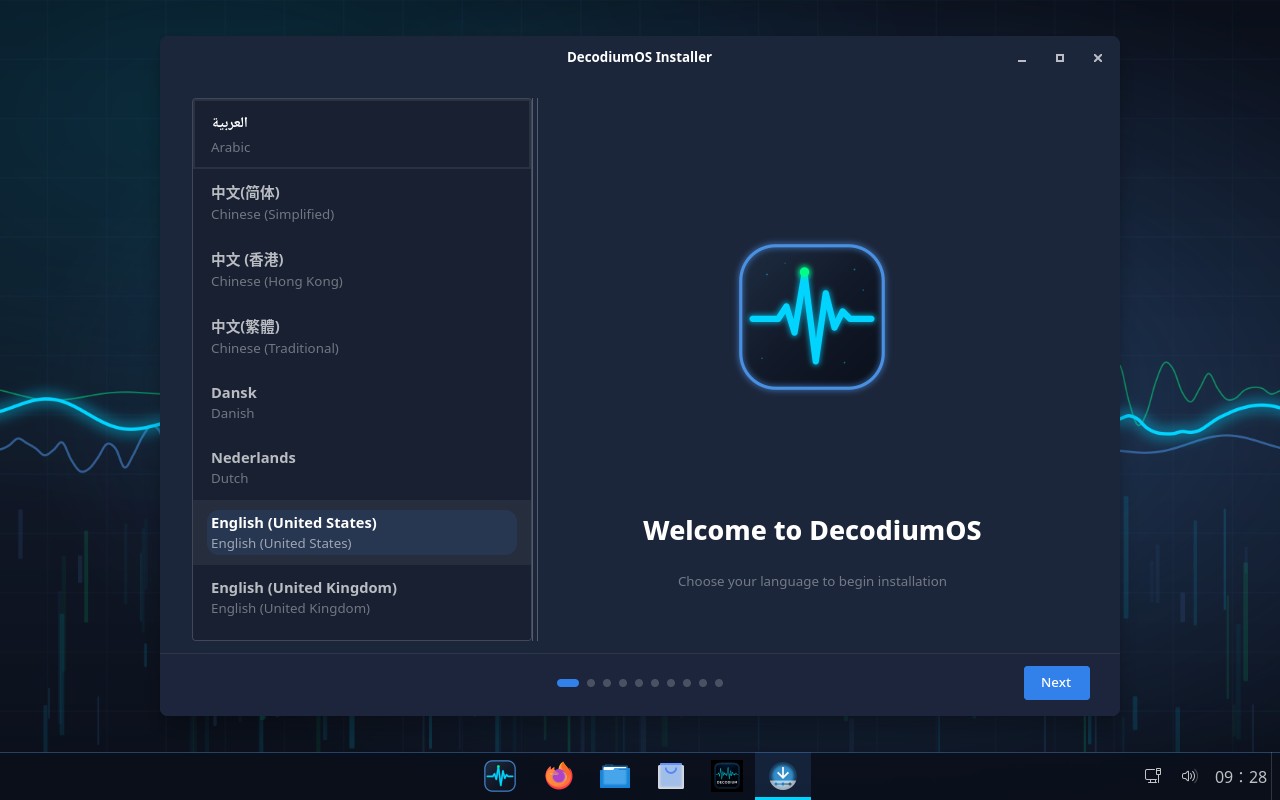
The installer that runs from the Live session: AnduinOS's own installer, rebranded as DecodiumOS.
- Write the ISO to a USB stick of 8 GB or more with balenaEtcher or Rufus (Windows), or
dd(Linux/macOS) — not a simple file copy. - Boot the target machine in UEFI mode from the USB stick.
- Try DecodiumOS live, with nothing touched on the disk, or launch AnduinOS's native installer to put it on the machine permanently.
Build it yourself
The build host must be Ubuntu 26.04 (the codename has to match TARGET_UBUNTU_VERSION in args.sh), a non-root user with sudo, an internet connection, and plenty of free disk space.
git clone https://github.com/iu8lmc/DecodiumOS.git decodiumos
cd decodiumos
make menuconfig   # optional: pick application sets, Decodium release…
make
The ISO and its SHA-256 land in dist/. For ARM64: TARGET_ARCH=arm64 make. From Windows you can build under WSL2 (wsl --install -d Ubuntu-26.04), but the repository must be cloned into the Linux filesystem (~/decodiumos), not /mnt/c — debootstrap and chroot do not work on NTFS.
Known limits
- Technical names stay AnduinOS's own: packages
anduinos-*, thepackages.anduinos.comrepository, paths like/usr/lib/anduinos-installer-beta. Renaming them would mean recompiling and hosting all of those packages independently, losing AnduinOS's updates. DecodiumOS's own packages are nameddecodiumos-*. - The light theme is still the standard Fluent one; Qt apps follow their own theme (Decodium already ships its Ocean Blue colours).
- The QEMU acceptance suite (
make test) still checks for AnduinOS branding and needs adapting; unit tests only run on Linux. decodium-rx-corestays at the Decodium release the ISO was built with:decodiumos-update-decodiumupdates the Decodium application, not the Decodium RX core.- ModemManager ignores all
ttyUSB/ttyACMports: old serial cellular modems are not handled. - A user created after installation joins
dialouton the next reboot; desktop access works immediately thanks touaccess.
Following AnduinOS upstream
DecodiumOS tracks AnduinOS 2's releases, not its master branch: releases use only packages from the public packages.anduinos.com repository, while master can depend on packages that exist only in the development repository. The current base is tag 2.0.2. All DecodiumOS changes live in separate mods, so upstream merges stay confined to a handful of files.
Licence and credits
GPL-3.0, like AnduinOS (see LICENSE and OSS.md). Built on the work of the AnduinOS / Aiursoft team. Decodium is by IU8LMC and contributors (Decodium 4). The ham radio applications come from the Ubuntu and Debian Hamradio archives, each under its own licence. The DecodiumOS wordmark uses Montserrat (SIL Open Font License 1.1).
Links and support
- Download: ISO, amd64
- Update repository: community.ft2.it/downloads/decodiumos/apt/
- Source code: github.com/iu8lmc/DecodiumOS
- Decodium: Decodium-4.0-Core-Shannon
- Community and support: Telegram channel
- Email: iu8lmc@gmail.com
Frequently asked questions
Is this an official AnduinOS product?
No. DecodiumOS is an independent derivative built on top of AnduinOS 2's public releases, adding ham radio software and its own branding. All credit for the base desktop goes to the AnduinOS / Aiursoft team.
Do I need to know Linux to use it?
Not really — the desktop is styled after Windows on purpose, and every ham radio program is already installed and configured to see your radio's serial ports. You still need to know your own station and software, as with any operating system.
Can I just try it without installing anything?
Yes. Boot the USB stick and choose the Live session: nothing is written to the internal disk unless you deliberately run the installer.
Will my radio's CAT/PTT cable work right away?
Serial ports are accessible to the desktop user immediately and ModemManager is prevented from probing them, which is what usually causes a radio to key up or CAT to hang on stock Ubuntu.
Is there an ARM64 build?
The build system supports it (TARGET_ARCH=arm64 make), but only the amd64 ISO is published above for now.
Does it phone home or collect telemetry?
DecodiumOS itself adds no telemetry beyond what AnduinOS/Ubuntu already do. decodiumos-update-decodium only checks GitHub when you run it.
What if I don't want some of the applications?
Build it yourself with make menuconfig and drop the sets you don't need, or simply uninstall individual packages after installing — they are ordinary Debian packages.
Can I go back to plain AnduinOS branding?
sudo /usr/libexec/decodiumos/rebrand --undo restores the original AnduinOS files, which are kept alongside as *.anduinos.
I already installed 1.1.2 — do I need to reinstall?
No. Run the one-time setup command in Updates without re-downloading the ISO and you'll get every 1.2.0 package, Decodium RX included, through the normal update mechanism.
What is Decodium RX for?
Monitoring a band from a terminal or over SSH, without a graphical session — a headless box, a remote server, a quick check from a text console. It only receives: no CAT, no PTT, no transmit.
73 de Martino IU8LMC